Accessories, clothing, shoes, bags, beauty and home
Website for Instagram shops
If you sell accessories, jewelry, clothing, shoes, bags, beauty products or home goods on Instagram, your website turns your feed into a tidy catalog. Type your @ and see a preview in seconds with your logo, your colors and your products, each with its own WhatsApp button and the message ready.
- Free preview
- No monthly fees
- Visual editor included
What your site includes
The sections of your shop website
They come from your posts and bio; anything without data stays hidden until you fill it in.
- 01
Catalog
Each product with photo, name and price if it appears on your Instagram (otherwise «Ask for price») and its WhatsApp button.
- 02
The brand
Who is behind the shop, what you sell and what makes it different, with your photos and your words.
- 03
Lookbook
Your best photos of products worn or styled, like a magazine, with no cropped faces.
- 04
Shipping
Which cities you ship to and how, using only what you have posted or enter yourself.
- 05
Exchanges and returns
Your exchange policy in plain words, so buyers know what to expect before they order.
- 06
FAQ
What people ask you by DM: whether the product looks like the photo, how to pick a size, whether you sell wholesale.
- 07
Reviews
Comments from real customers only if you have them and confirm them; this section is never invented.
- 08
Visit us
If you have a store or showroom, your address on Google Maps and your hours; if you only sell online, it is hidden.
Examples
What shop websites look like
Shops built with tuweb.app, on phone and desktop: the catalog up front and a WhatsApp button on every product.
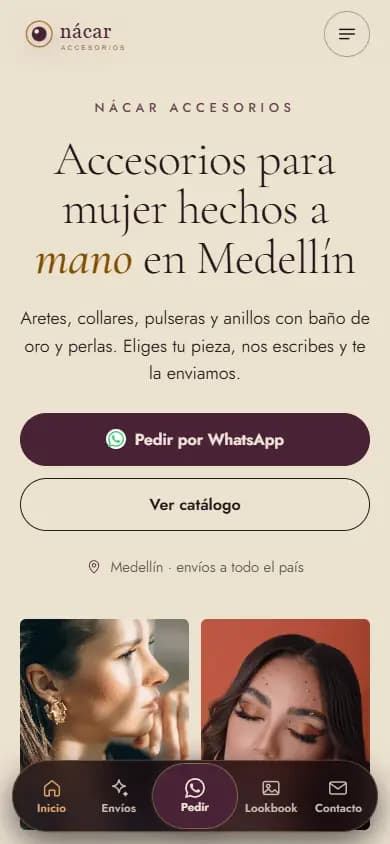
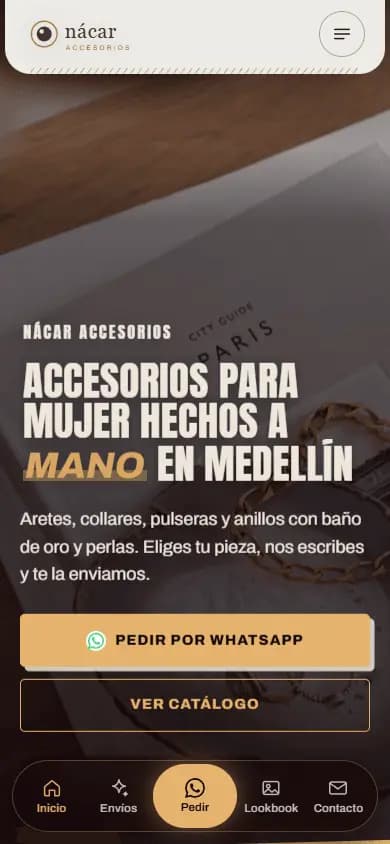
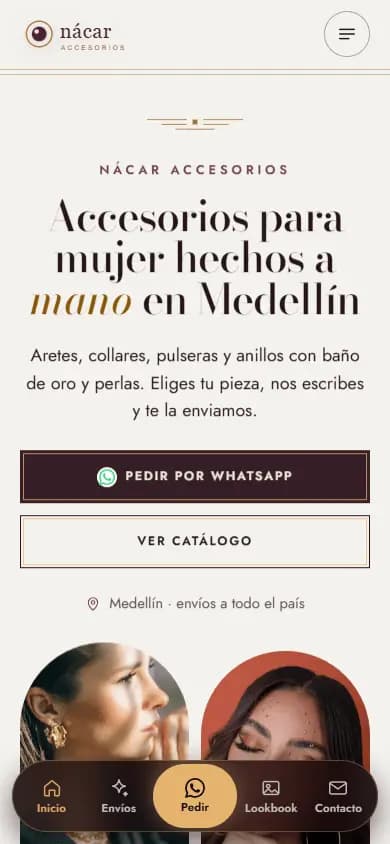
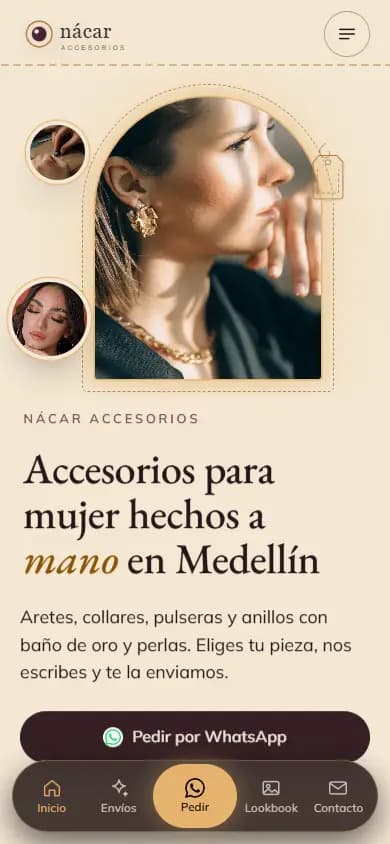
The names on the sample sites are fictional; the ones marked “Made from their Instagram” are real businesses.
Why a website
Why your Instagram shop needs a website
On Instagram your products get lost between posts, and people DM you the same questions again and again: price, shipping, exchanges. On your website each product has its photo, its name and its price if you posted it, plus a button that opens WhatsApp with the product already written. So buyers reach your chat knowing what they want.
Your shop also shows up where Instagram doesn't reach: on Google, when someone searches «accesorios para mujer en Medellín» or «bolsos de cuero en Bogotá», and in AI search engines. And it builds trust: people unsure about buying on Instagram see your brand, shipping, exchanges and contact details on a site with its own domain.
How your website helps you show up on Google
Your site gets its own title and description, structured data for your type of shop (for example JewelryStore, ClothingStore or ShoeStore), FAQ marked up for AI search engines and a sitemap so Google can find your catalog. If you have a store, your location shows on Google Maps. Nobody can guarantee a ranking on Google.
What people search for
- accesorios para mujer en medellin
- bisuteria fina en medellin
- bolsos de cuero en bogota
- zapatos de cuero para mujer en medellin
- skincare coreano en medellin
- tienda de ropa femenina en medellin
- tiendas de ropa instagram colombia
- joyeria en medellin instagram
Real Google searches in Colombia (autocomplete, Oct 2026).
How it works
From your Instagram to your shop in three steps
- 01
Type your shop's @
With your permission, your public posts are read once: product photos, prices and item codes if they are in the caption, and your WhatsApp.
- 02
Pick your design
Five designs for shops, already with your logo, colors and products. You choose the one closest to your brand.
- 03
Arrange your catalog
In the editor you fix names and prices, swap photos or add videos, choose the button style and publish.
FAQ
Frequently asked questions
What should a website for Instagram shops include?
A catalog with photo, name and price, a WhatsApp button per product, your brand, your shipping and exchange info, an FAQ and your contact details. tuweb.app builds it from what you have already posted and hides anything without data.
My posts don't show prices. What happens?
Nothing is made up. If the price is not on your Instagram, the product shows «Ask for price» next to the WhatsApp button. Whenever you want, you type the price in the editor and publish it.
How do people order a product?
Each product has its own WhatsApp button with the message ready. The buyer taps it, messages you about that product and you close the sale in your chat, just as you do now.
Can I have a shopping cart?
The website includes the catalog with WhatsApp ordering. A shopping cart is a separate optional extra, for when you want customers to build their order on the website itself.
Does it look good on a phone?
Yes. It is designed mobile-first, with photos that are never cropped or repeated, smooth animations and the floating WhatsApp button always within reach.
More business types
Websites for other types of business
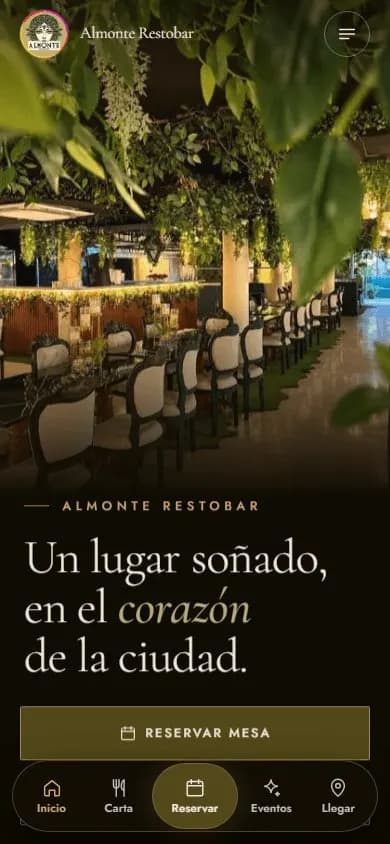 Restaurants and barsWebsite for restaurants and bars
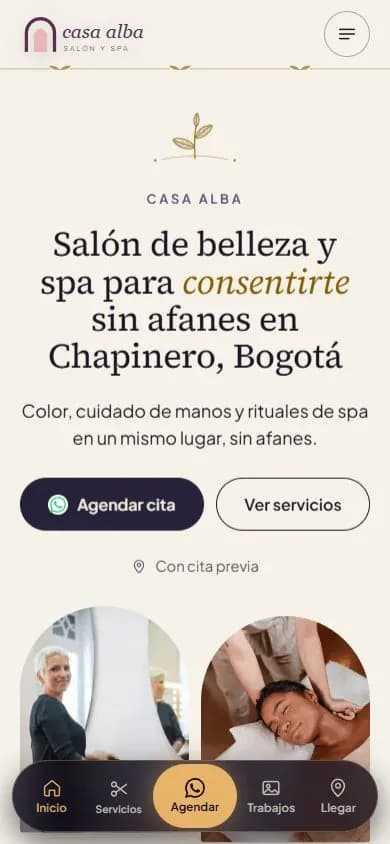 Beauty salons and spasWebsite for beauty salons, barbershops and spas
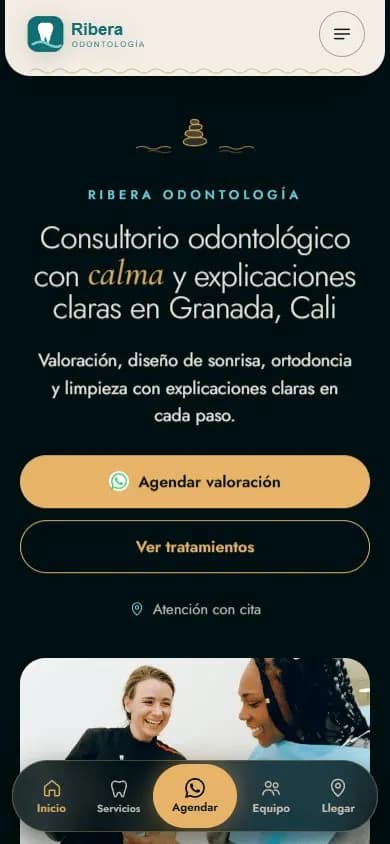 Health practicesWebsite for medical and dental practices
 Personal brandA website for your personal brand
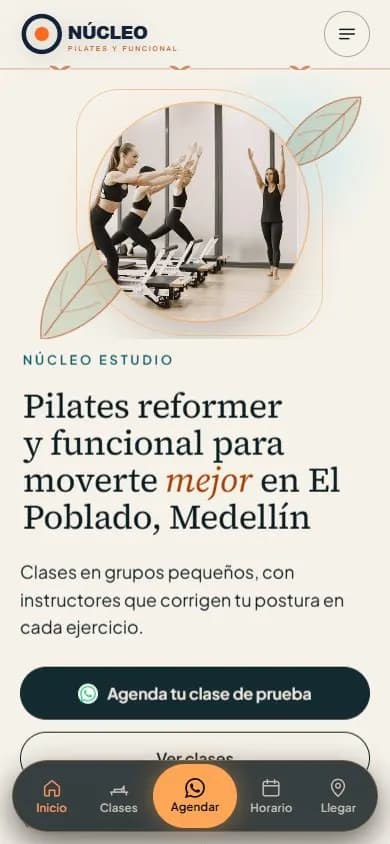 Gyms and studiosWebsite for gyms, pilates and yoga studios
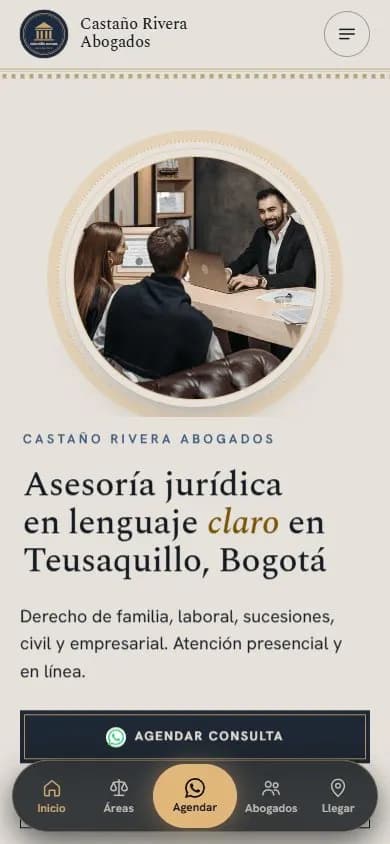 Lawyers and law firmsWebsite for lawyers and law firms
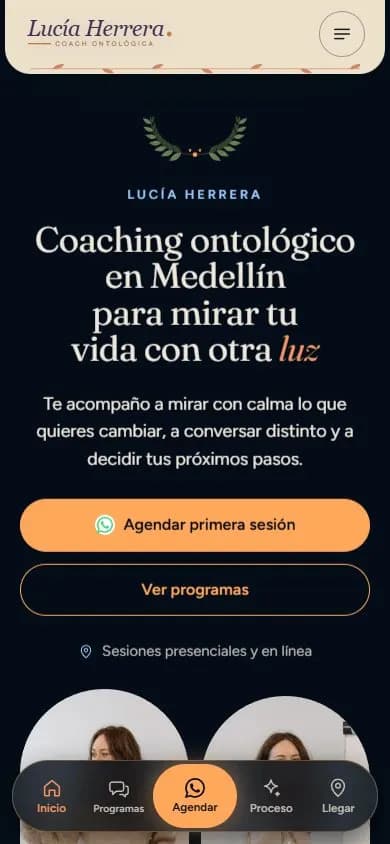 Coaches and mentorsWebsite for coaches
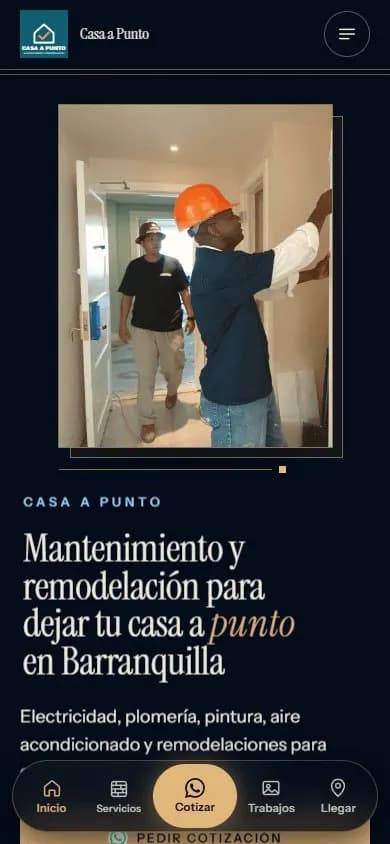 Service businessesWebsite for service businesses
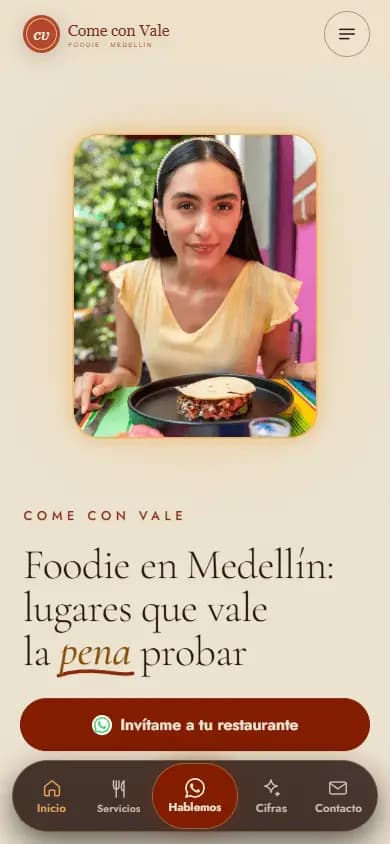 Content creatorsWebsite for content creators
Turn your feed into your shop
Type your shop's Instagram @ and see your catalog with your brand in seconds, for free.
Enter my @