Hair salons, barbershops, nails, brows and spas
Website for beauty salons, barbershops and spas
Your work is already on Instagram: haircuts, balayage, nails, brows, massages. tuweb.app turns it into a website for your beauty salon, barbershop or spa, with services by category, a gallery of your work, your location and a WhatsApp button to book appointments. Type your @ and see your free preview in seconds.
- Free preview
- No monthly fees
- Visual editor included
What your site includes
The sections of your beauty website
What a client checks before choosing where to get styled or unwind.
- 01
Services
Hair, nails, brows and lashes, massages or facials by category; prices appear only if you publish them.
- 02
Our work
A gallery of cuts, color, nail art and lashes, never cropping faces or repeating photos across sections.
- 03
Vouchers and offers
Your monthly promotions and gift vouchers, such as a spa day for two, if you offer them.
- 04
Team
Stylists, barbers, nail technicians and therapists with their photo and specialty, when they appear on your Instagram.
- 05
Reviews
Real comments from your clients, only if you have them and confirm them; otherwise the section stays hidden.
- 06
Visit us
Address, neighborhood or mall, opening hours and a Google Maps link so clients arrive without getting lost.
- 07
FAQ
How long keratin lasts, what to avoid after a lash lift or whether you do home visits: you write the answers.
Examples
Beauty salon website examples
This is how hair salon, barbershop, nail salon and spa websites made with tuweb.app look, each one with the colors and photos from its own Instagram.
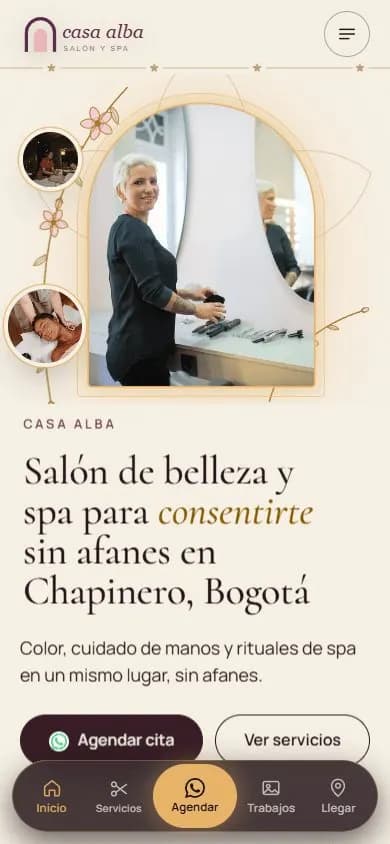
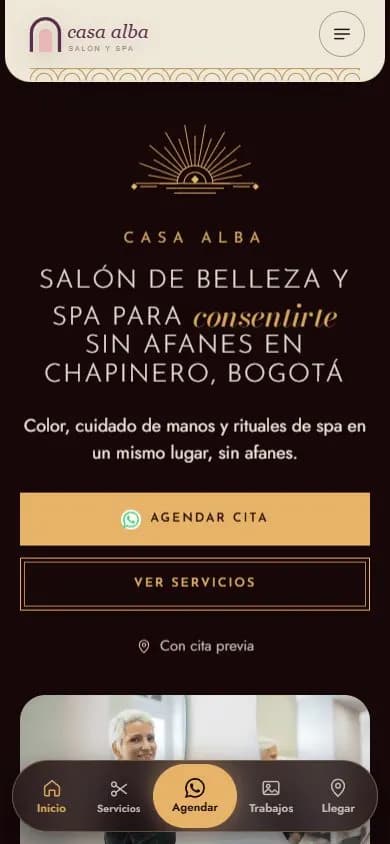
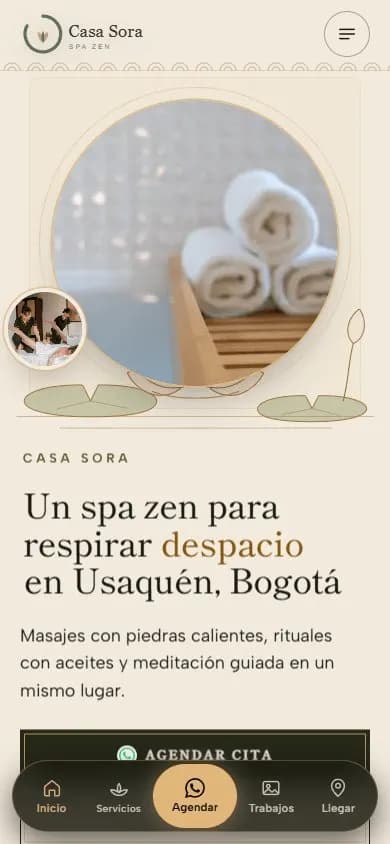
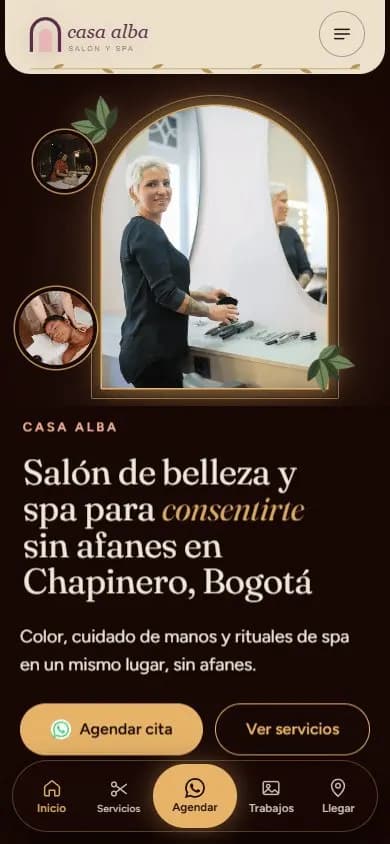
The names on the sample sites are fictional; the ones marked “Made from their Instagram” are real businesses.
Why a website
Why your salon needs a website, not just Instagram
Many people in Colombia looking for a salon, barbershop or spa don't search on Instagram: they type the service and the area into Google, like a keratin treatment in Medellín or nails in south Cali, and check the map. If your business has no website, Google has little to show about you.
Before booking, your clients want to know which services you offer, how long a keratin treatment lasts, whether you have a couples spa package or sell gift vouchers. Your website brings those answers together in one place, easy to read on a phone and with WhatsApp one tap away.
Show up when people search for your service nearby
Your website comes with its own title and description, structured data for your type of business (HairSalon, NailSalon, BeautySalon or DaySpa), a page for each main service, the same name, address and phone number everywhere and a link to Google Maps. That way Google and AI search engines understand what you do and where. Nobody guarantees a ranking, but your salon is ready to compete.
What people search for
- peluqueria en bogota
- barberia en medellin
- spa en medellin para parejas
- uñas en cali a domicilio
- keratina medellin costo
- salon de belleza en barranquilla
- cejas en bogota chapinero
- peluqueria en medellin poblado
Real Google Colombia searches, in Spanish (autocomplete, Oct 2026).
How it works
From your Instagram to your website in three steps
- 01
Type your @
We read your public profile once, with your permission: logo, bio, photos of your work, opening hours and WhatsApp if you published them. We never ask for your password.
- 02
Pick your design
You see five designs for salons, barbershops and spas, already with your colors and photos, and choose the one that matches your style.
- 03
Adjust and publish
In the editor you confirm services and prices, swap a photo for a video of your work, add your vouchers and publish.
FAQ
Frequently asked questions
Can I show my services with prices on the website?
Yes. Services come from what you have already posted, and you confirm prices in the editor, since older ones may be outdated. If something is missing, it stays hidden until you add it.
How do clients book an appointment from the website?
With the floating WhatsApp button, which opens a chat straight with you, or with a phone call. You confirm the day and time just like you do today.
Does the website for beauty salons also work for a barbershop or a spa?
Yes. The designs suit hair salons, barbershops, nail, brow and lash studios and spas, and the data for Google adapts to your type of business. In the editor you add or remove sections.
Can I show before-and-after photos of my clients?
You can upload any photos of your work to the gallery; it is best to use only those from clients who gave you permission. The website makes sure faces are never cropped.
Can I change the photos when I do new work?
Yes. Tap a photo to change it or replace it with a video, choose glass or pill buttons and photo frames, check how it looks on a phone and publish.
More business types
Websites for other types of business
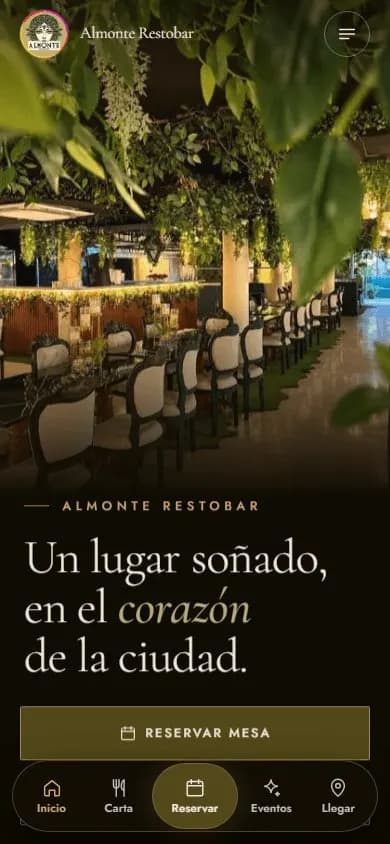 Restaurants and barsWebsite for restaurants and bars
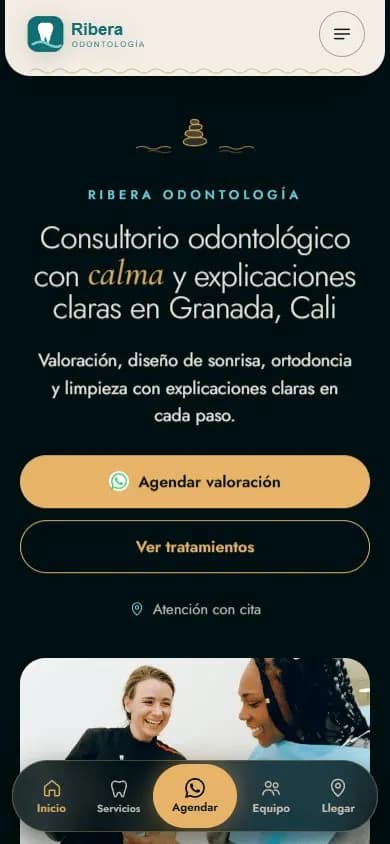 Health practicesWebsite for medical and dental practices
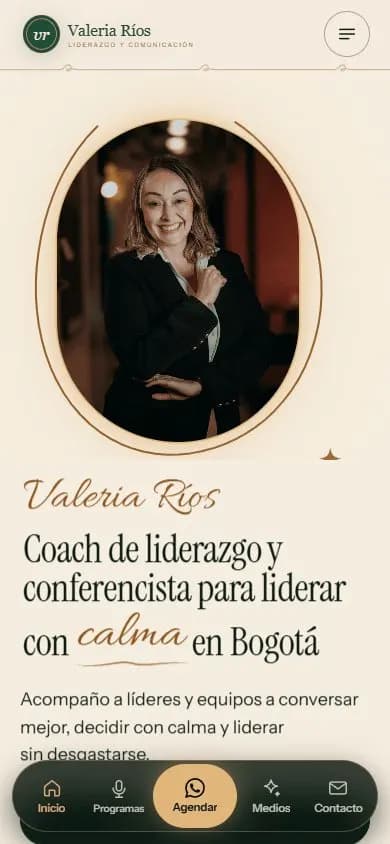 Personal brandA website for your personal brand
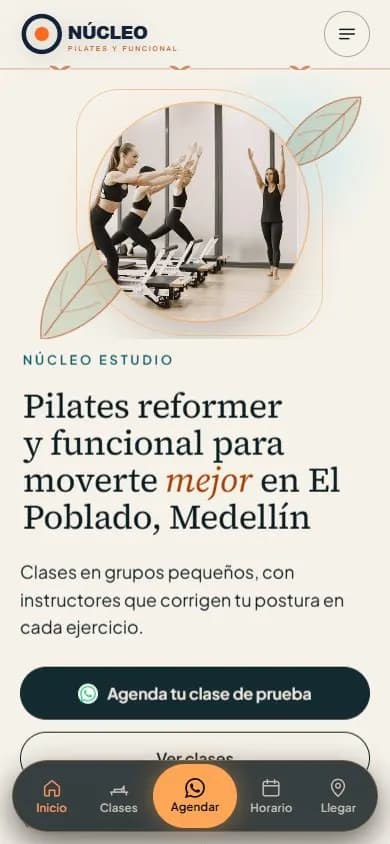 Gyms and studiosWebsite for gyms, pilates and yoga studios
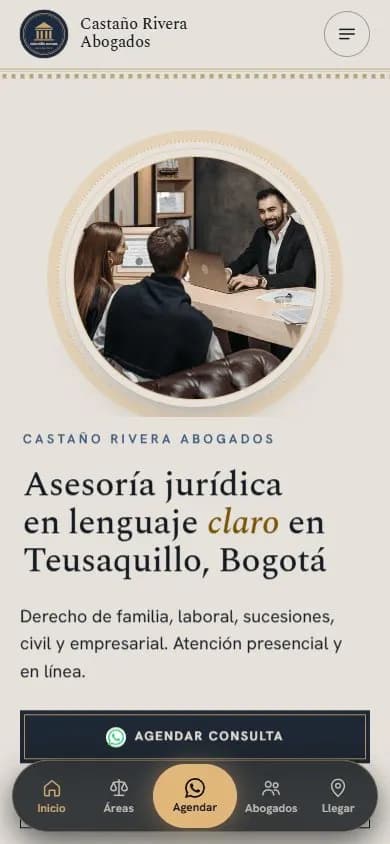 Lawyers and law firmsWebsite for lawyers and law firms
 Coaches and mentorsWebsite for coaches
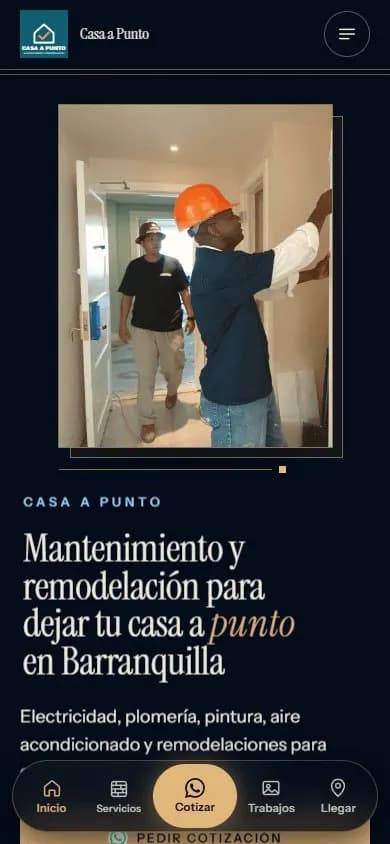 Service businessesWebsite for service businesses
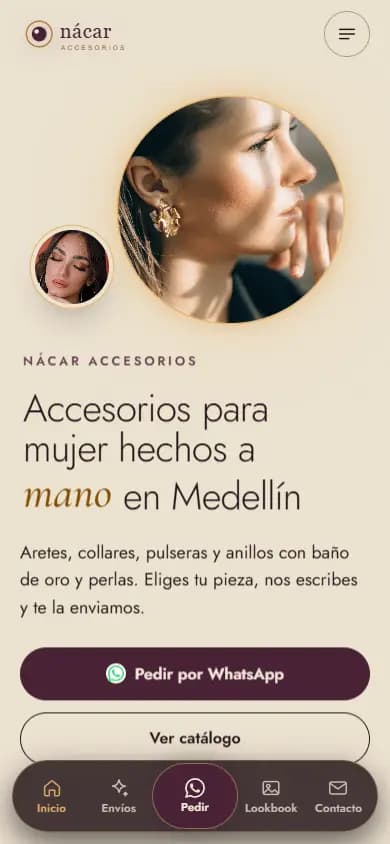 Instagram shopsWebsite for Instagram shops
 Content creatorsWebsite for content creators
See your salon online
Type your salon, barbershop or spa's Instagram @ and see your free preview in seconds, with your logo, your colors and your photos.
Enter my @