Life, ontological and executive coaching
Website for coaches
Your Instagram shows who you are; your coaching website explains how you work. Type your @ and see a preview in seconds with your photo, logo and colors, your programs, what a session is like and a WhatsApp button. For life, ontological and executive coaches, life coaches and mentors.
- Free preview
- No monthly fees
- Visual editor included
What your site includes
The sections of your coaching website
They come from what you have already posted; any without data stay hidden until you fill them in.
- 01
About me
Your story, your approach and who you work with, in first person, with your photo never cropped.
- 02
Programs
Single session, multi-session process, group program or corporate program, each with format, length and mode.
- 03
How it works
What happens in the first session, how long each meeting lasts and whether you work online or in person.
- 04
Training and certification
Your school, certification and practice hours; it appears only if you enter those details.
- 05
Testimonials
Off by default. It shows only real testimonials you have and confirm, with permission; never invented.
- 06
Content
Your reels and carousels in a gallery, so people see how you think before they message you.
- 07
FAQ
How many sessions I need, how coaching differs from seeing a psychologist, whether you work online.
- 08
Booking
A clear call to action to book a first session by messaging you on WhatsApp.
- 09
Location
If you have an office, your address on Google Maps and your hours; if you only work online, it is hidden.
Examples
What websites for coaches look like
Coaching websites built with tuweb.app, on phone and desktop: your photo up front and your method in a few lines.
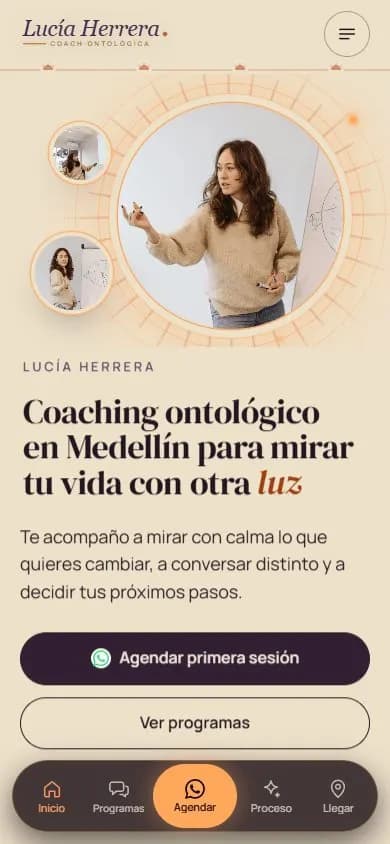
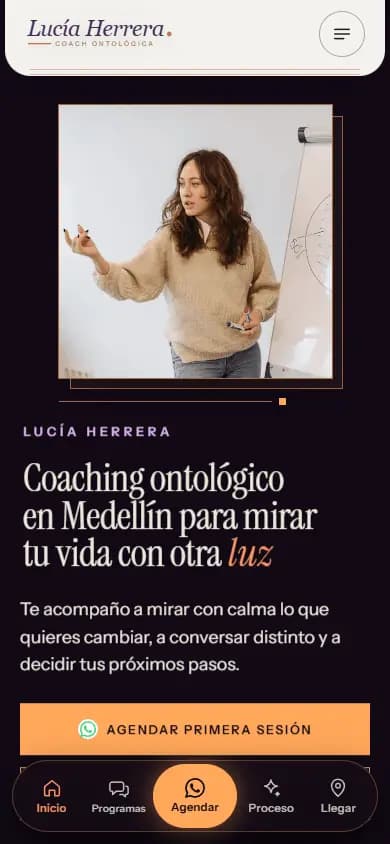
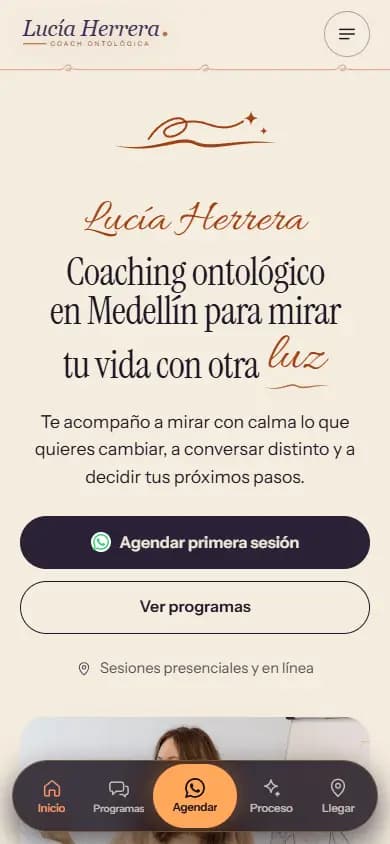
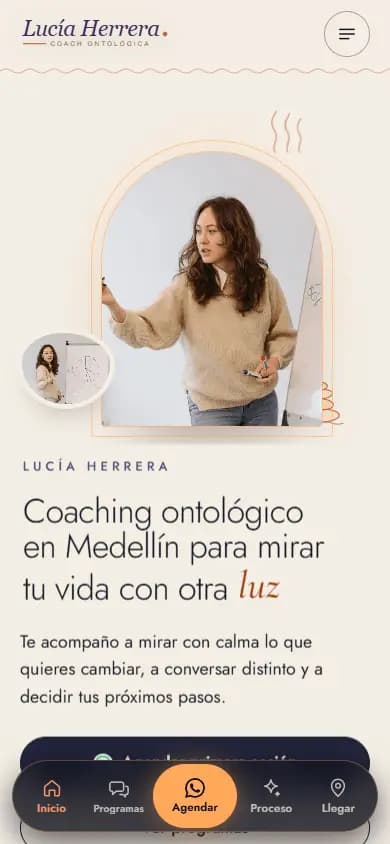
The names on the sample sites are fictional; the ones marked “Made from their Instagram” are real businesses.
Why a website
Why a coach needs a website, not just Instagram
Before booking, people compare. They search «qué es el coaching ontológico», «cuántas sesiones de coaching son necesarias» or «coach certificado ICF», and ask AI search engines. Your reels inspire, but they don't answer that. A site with your programs, your method and your FAQ helps people decide when they arrive from Instagram or search your name.
It also organizes what you offer: one-on-one sessions, full processes, group workshops or coaching for companies, each with its format and mode. And it draws the line with therapy: your site talks about guidance, not diagnosis or treatment, and your certifications appear only if you confirm them.
How your website helps you show up on Google
Your site gets its own title and description, your programs explained in text, FAQ as structured data and your profile marked up with schema.org, so Google and AI search engines know who you are and what you offer. If you work in a city, your location shows on Google Maps. Nobody can guarantee a ranking on Google.
What people search for
- coach de vida bogota
- coach de vida medellin
- coaching ontologico bogota
- coach empresarial medellin
- coach ejecutivo medellin
- life coach bogota
- coach de vida en linea
- coaching para empresas
Real Google searches in Colombia (autocomplete, Oct 2026).
How it works
From your Instagram to your website in three steps
- 01
Type your @
With your permission, your public profile is read once: your photo, your bio with your type of coaching, your links and your reels. No password.
- 02
Pick your design
Five designs made for coaches, already with your photo, logo and colors. You choose the one that matches your style.
- 03
Fill in your programs
In the editor you write your programs, your certification and what the first session is like, swap photos or add a video, and publish.
FAQ
Frequently asked questions
What should a website for coaches include?
Who you are, who you work with, your programs, how a session works, your training if you confirm it, an FAQ and a WhatsApp button. tuweb.app builds those sections from what you have already posted.
I only work online. Will it still work for me?
Yes. If you have no office, the location section is hidden and the site focuses on your programs and how your online sessions work. People reach you on WhatsApp or the channels you choose.
Can I show my certification?
Yes, if you enter it yourself: school, level and hours. Nothing is assumed or made up; if you leave it blank, the training section does not appear.
How do my clients' testimonials appear?
Only if you have them and confirm them. The section starts switched off and reviews are never invented. You turn it on in the editor when you have real testimonials, shared with permission.
Can I change text and photos later?
Yes. In the visual editor you tap any text and type, change photos or replace them with videos, reorder sections and check how it looks on phone and desktop. Save a draft and publish whenever you want.
More business types
Websites for other types of business
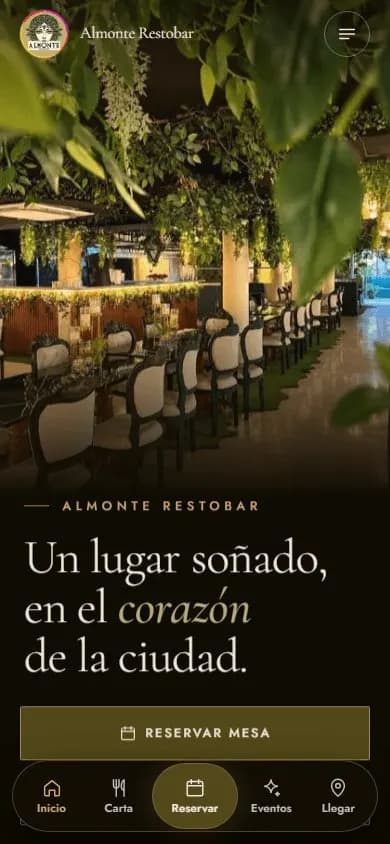 Restaurants and barsWebsite for restaurants and bars
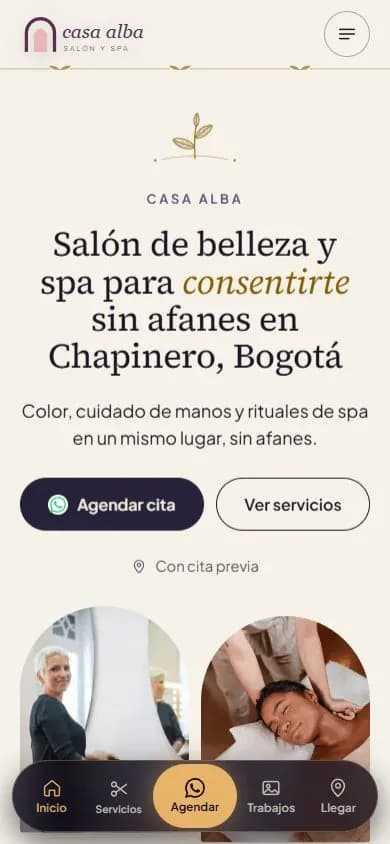 Beauty salons and spasWebsite for beauty salons, barbershops and spas
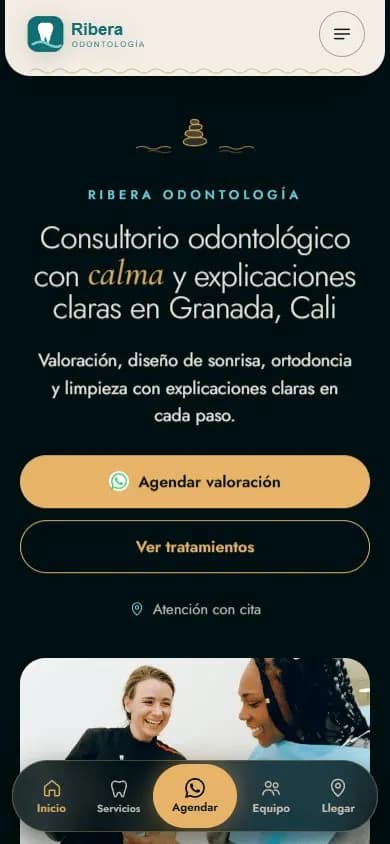 Health practicesWebsite for medical and dental practices
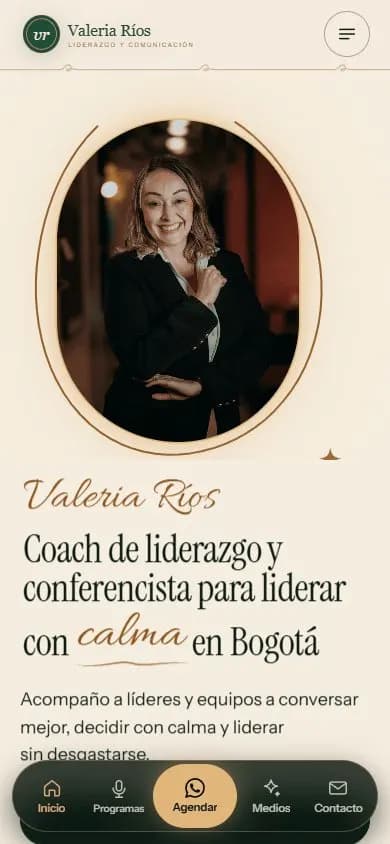 Personal brandA website for your personal brand
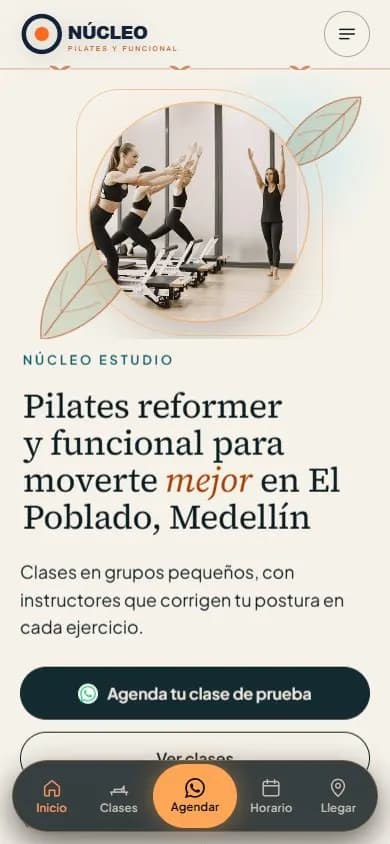 Gyms and studiosWebsite for gyms, pilates and yoga studios
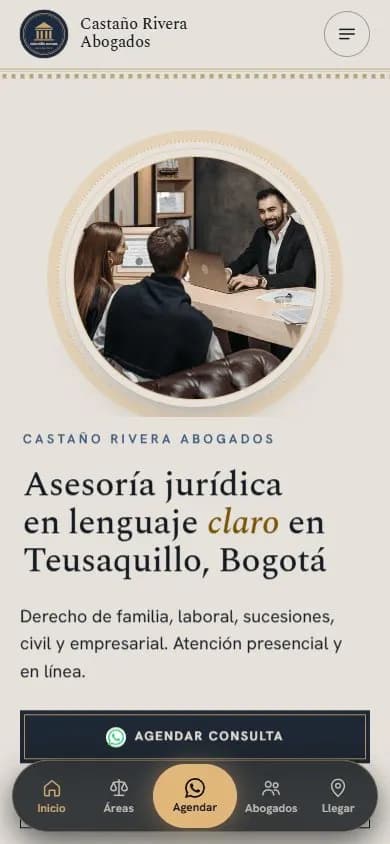 Lawyers and law firmsWebsite for lawyers and law firms
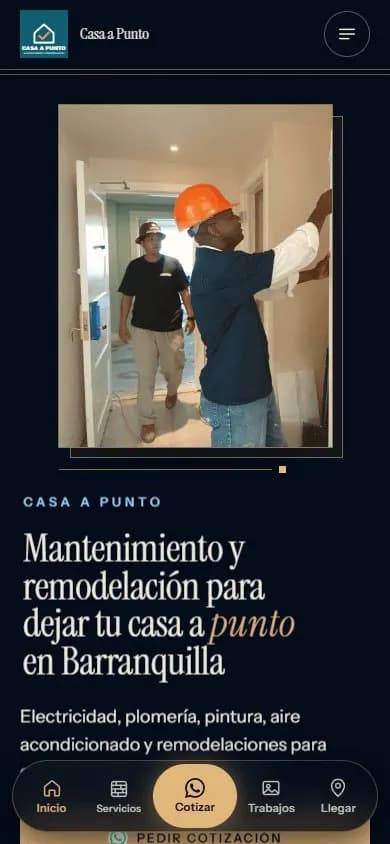 Service businessesWebsite for service businesses
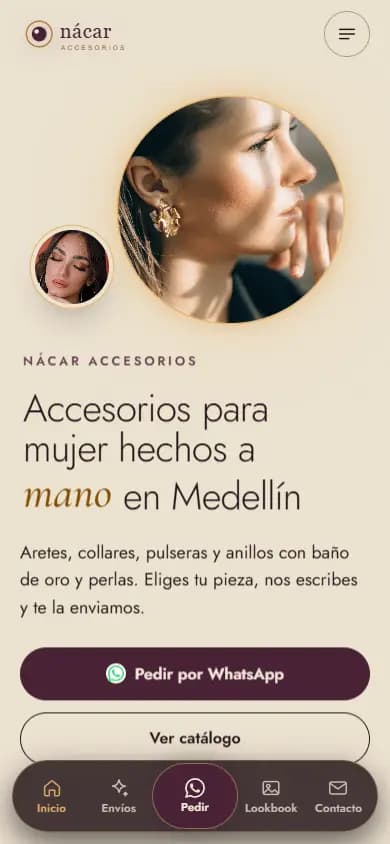 Instagram shopsWebsite for Instagram shops
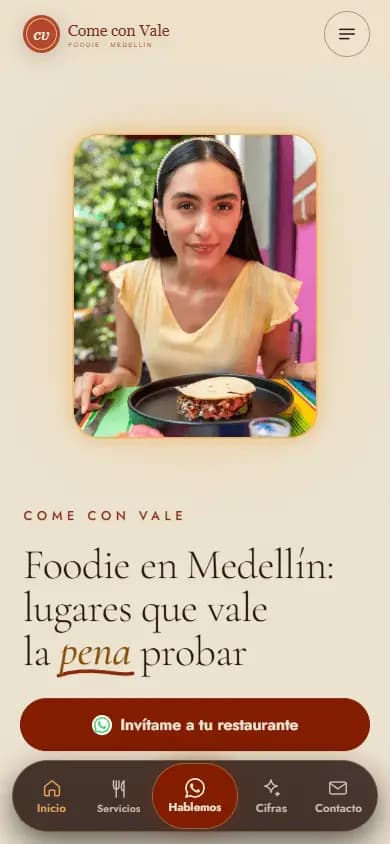 Content creatorsWebsite for content creators
See your coaching website today
Type your Instagram @ and get a free preview of your website in seconds, before you pay.
Enter my @