Restaurants, bars, cafés and bakeries
Website for restaurants and bars
Your Instagram already shows your dishes, your atmosphere and your opening hours. tuweb.app turns that same information into a website for your restaurant, bar, café or bakery: menu, gallery, location on Google Maps and a WhatsApp button for bookings and delivery orders. Type your @ and see your free preview in seconds.
- Free preview
- No monthly fees
- Visual editor included
What your site includes
The sections of your restaurant website
Each section answers what a diner checks before choosing where to eat.
- 01
Menu
Categories and featured dishes with prices in Colombian pesos. If your Instagram has no prices, the menu waits until you add them.
- 02
Our story
Your food concept and how the place started, told with what you have already written in your bio and posts.
- 03
Gallery
Dishes, drinks and atmosphere in photos that never repeat or crop faces, with smooth animations as visitors scroll.
- 04
Experiences and events
Live music, themed nights, birthdays or private events, only if you show them on your Instagram.
- 05
Visit us
Opening hours, address and a Google Maps link, plus parking details if you have it.
- 06
Bookings and delivery
A WhatsApp button that opens a chat with you to book a table or order, plus a direct call link.
- 07
FAQ
Corkage, pets, vegan options or payment methods: you answer once and the answer stays visible to everyone.
Examples
Restaurant website examples
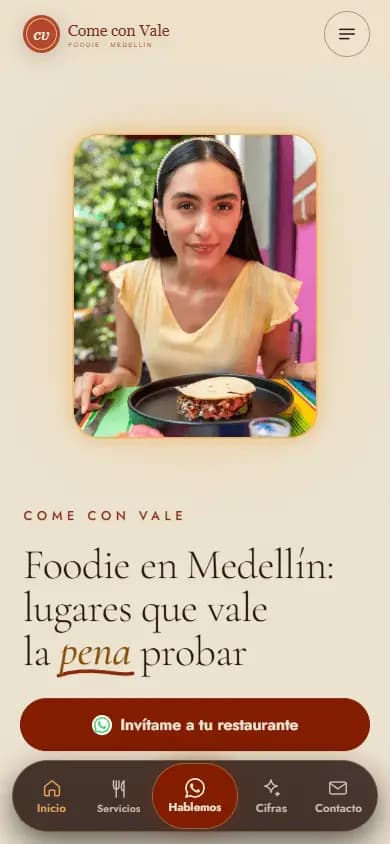
This is how restaurant, bar and café websites made with tuweb.app look, each one using the colors and photos from its own Instagram.
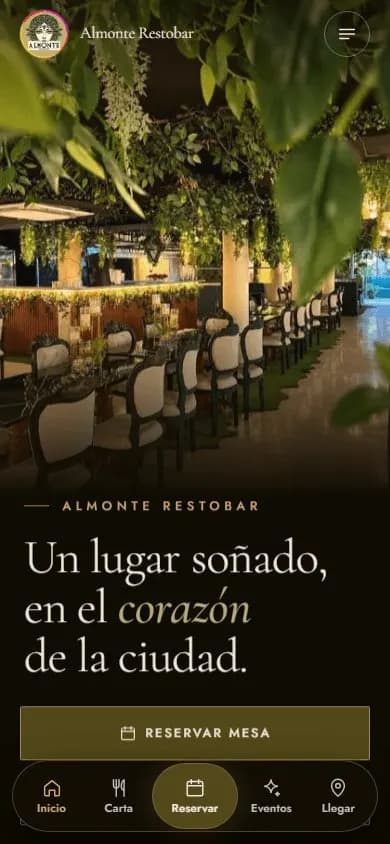
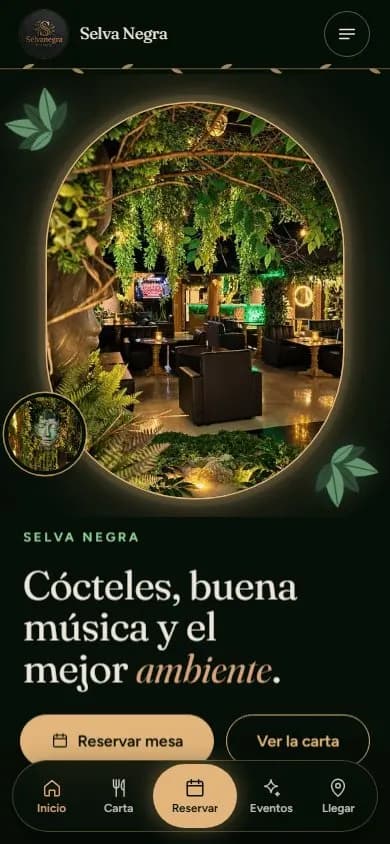
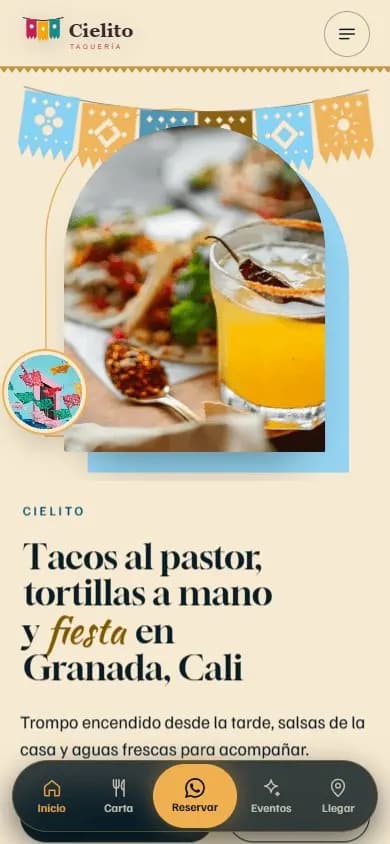
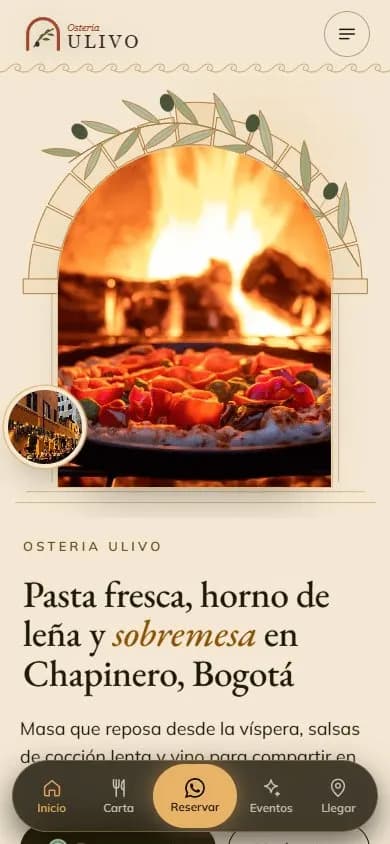
The names on the sample sites are fictional; the ones marked “Made from their Instagram” are real businesses.
Why a website
Why your restaurant needs a website, not just Instagram
When people in Colombia look for a place to eat or celebrate, they usually start on Google or Maps, not Instagram: they type the kind of food, the neighborhood and the city. A website for your restaurant gives Google what it needs to understand what you cook and where you are.
Before going, people want quick answers: is there parking, are pets allowed, how late are you open, can they bring a cake, is there live music. On Instagram those answers get buried between posts; on your website they are one tap away, and AI search engines can read them too.
Show up when people search for places to eat in your city
Your website comes with its own title and description, Restaurant, BarOrPub or CafeOrCoffeeShop structured data, the same name, address and phone number on every page and a link to your Google Maps location. That way Google and AI search engines understand what you cook and where you are. Nobody can guarantee a ranking, but your business is ready to compete.
What people search for
- restaurantes en medellin
- bares en bogota chapinero
- restaurante para cumpleaños en bogota
- restaurante con musica en vivo medellin
- brunch en medellin
- restaurante de mariscos en cartagena
- restaurante pet friendly cerca de mi
- gastrobar en bucaramanga
Real Google Colombia searches, in Spanish (autocomplete, Oct 2026).
How it works
From your Instagram to your website in three steps
- 01
Type your @
We read your public profile once, with your permission: logo, bio, photos, opening hours and WhatsApp if you published them. We never ask for your password.
- 02
Pick your design
You see five designs for restaurants and bars, already with your colors and photos, and choose the one that fits your food and vibe.
- 03
Adjust and publish
In the editor you complete the menu, swap a photo for a video of your signature dish, reorder sections and publish.
FAQ
Frequently asked questions
Can I show my menu with prices on my website?
Yes, with categories and dishes from what you have posted. If your Instagram has no prices, the menu stays hidden until you complete it in the editor, so you never show outdated prices.
Can customers book a table from the website?
The website has a floating WhatsApp button that opens a chat straight with you. Your customer writes to book a table or order delivery, and you confirm, as you do today.
Does the same website for restaurants work for a bar, a café or a bakery?
Yes. The designs are made for food and drink businesses, and the data for Google adapts to your type of business. In the editor you add or remove sections, like events for live music.
Can I change the dish photos when my menu changes?
Yes, whenever you want. Tap a photo to change it or replace it with a video, edit the text, check how it looks on a phone, save a draft and publish.
Do I need to buy a domain for my restaurant website?
It is not required. You can start for free with yourrestaurant.tuweb.app, use your own .com or .com.co domain in your name, or connect yours. It goes live right away with a secure connection.
More business types
Websites for other types of business
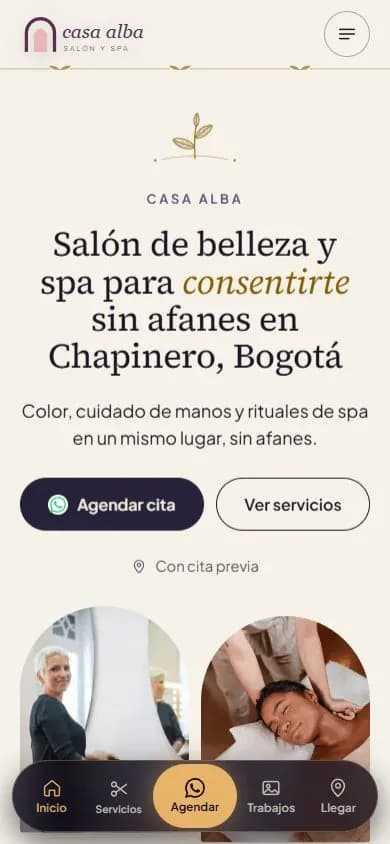 Beauty salons and spasWebsite for beauty salons, barbershops and spas
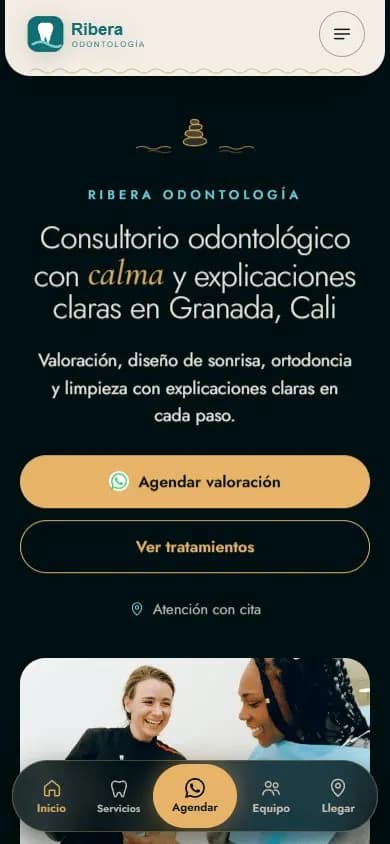 Health practicesWebsite for medical and dental practices
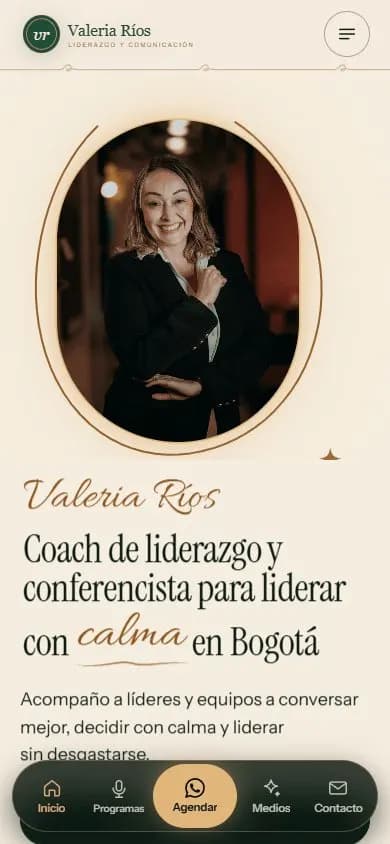 Personal brandA website for your personal brand
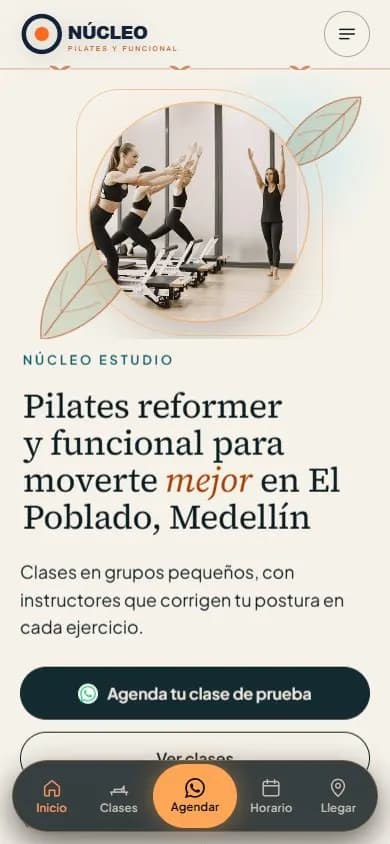 Gyms and studiosWebsite for gyms, pilates and yoga studios
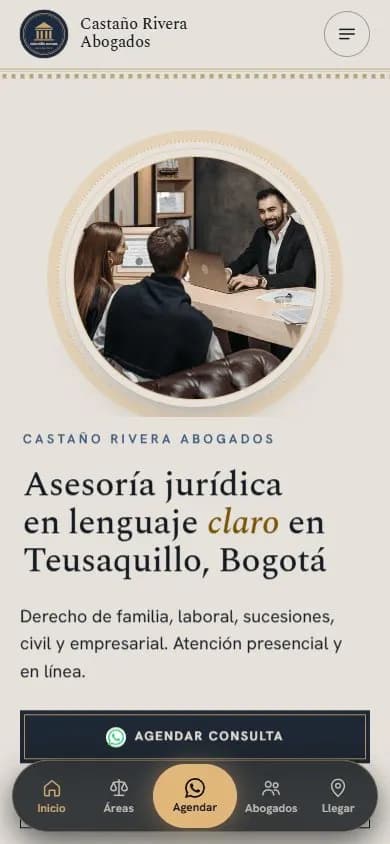 Lawyers and law firmsWebsite for lawyers and law firms
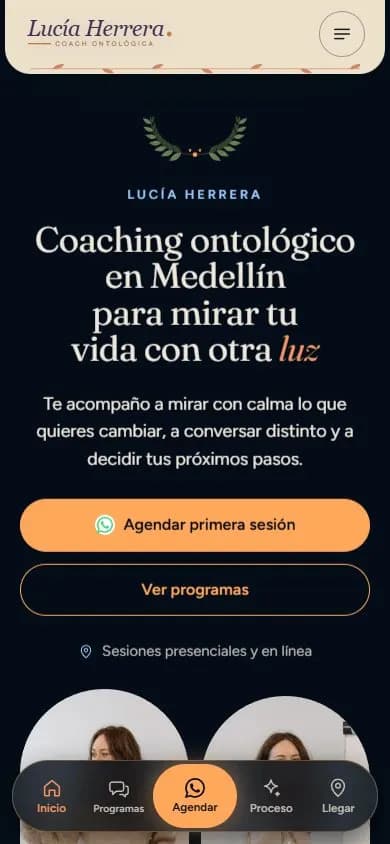 Coaches and mentorsWebsite for coaches
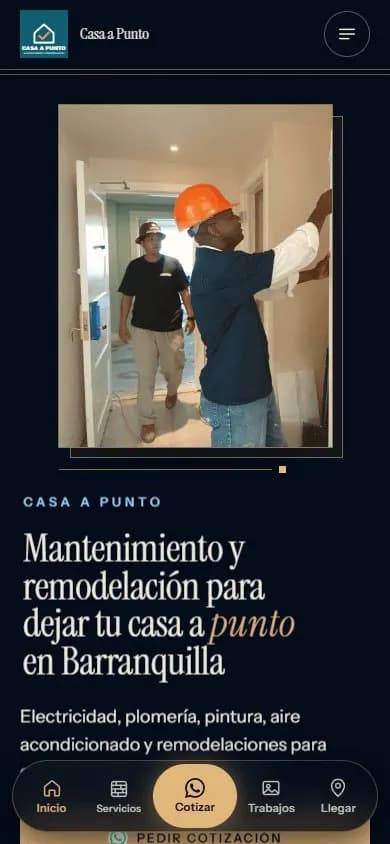 Service businessesWebsite for service businesses
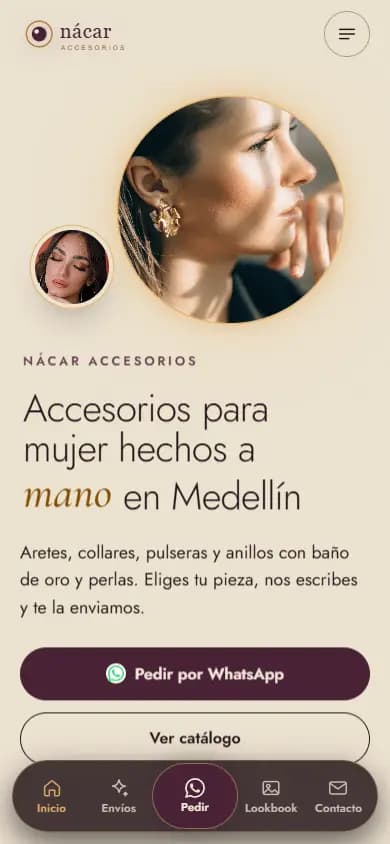 Instagram shopsWebsite for Instagram shops
 Content creatorsWebsite for content creators
See your restaurant online
Type your restaurant's Instagram @ and see your free preview in seconds, with your logo, your colors and your photos.
Enter my @