Step by step
How to turn your Instagram into a website
Your Instagram already has almost everything your website needs: logo, photos, services and contact details. This is how you turn it into a site of your own that shows up on Google and that customers find even without Instagram.
- Free preview
- Free website, optional Pro
- Visual editor included
Why have a website
Instagram is not enough
Instagram belongs to Instagram: if the rules change or your account goes down, you lose your storefront. A website on your own domain is yours.
Also, a clear website with your services, address and hours helps Google and AI assistants like ChatGPT understand what you do and recommend you.
The steps
From your @ to your website
- 01
Type your @
On tuweb.app you type your Instagram username. Only your public profile is read, once and with your permission. We never ask for your password.
- 02
What you already posted is used
Name, logo, bio, links, photos and recent posts, plus what is on the pages linked in your bio, like your Linktree or your menu.
- 03
Confirm your type of business
The AI detects whether you are a restaurant, salon, clinic, lawyer, coach or something else, and you confirm it.
- 04
Pick your design
You see several proposals made for your type of business, already with your brand, and choose the one you like most.
- 05
Pick your address
Your website goes live on a free tuweb.app address (mybusiness.tuweb.app).
- 06
Publish
Your site goes live for free with a secure connection. Later you change it whenever you want with the editor.
- 07
Your own domain, with Pro
Your own domain comes with Pro and is bought separately from your dashboard, once your website is published: a .com or .com.co in your name, or connect the one you already have.
Before you start
Prepare your profile so your site turns out better
- Say in your bio what you do and in which city, in one sentence.
- Post your WhatsApp, address and hours on your profile or in your story highlights.
- Use your logo as your profile picture, in good quality.
- Have recent photos of your place, products or work: they are the ones that will go on your site.
- If you have a menu, a price list or a Linktree, link it in your bio.
FAQ
Frequently asked questions
Do I need to give you my Instagram password?
No. Only your public profile is read. We never ask for your password or log into your account.
What if my Instagram is private?
You can upload your logo, photos and details by hand and the site is built anyway.
Does my site update itself when I post on Instagram?
No. Your profile is read once when the site is created. Afterwards you change it whenever you want with the visual editor.
How much does it cost?
Seeing your site built and publishing it on tuweb.app is free. The Pro plan costs COP 199,000 a year or COP 19,900 a month and removes the badge, adds a store and unlimited changes.
More business types
Websites for other types of business
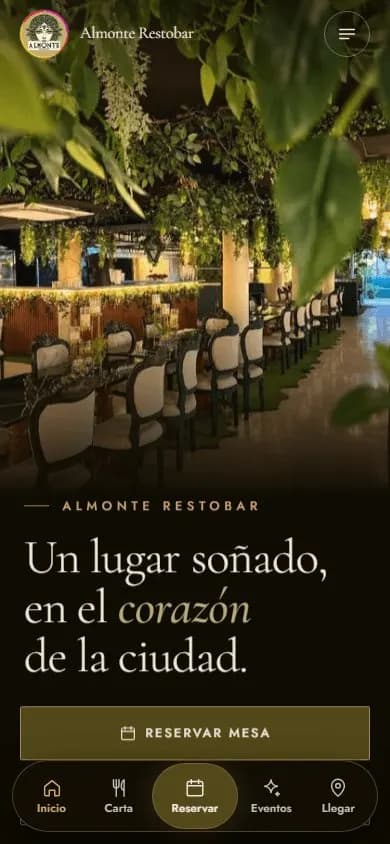 Restaurants and barsWebsite for restaurants and bars
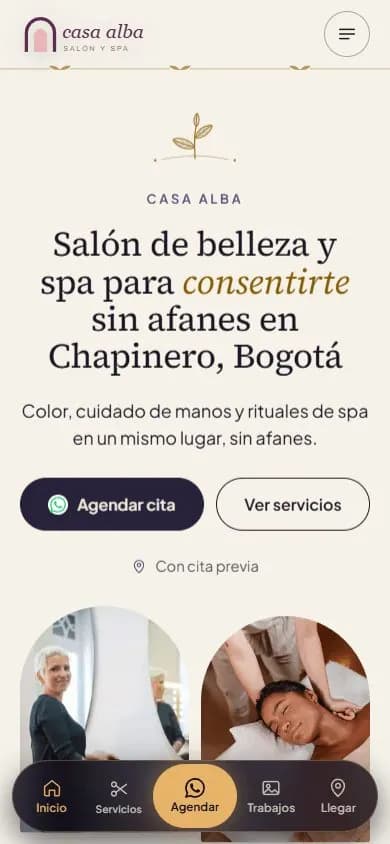 Beauty salons and spasWebsite for beauty salons, barbershops and spas
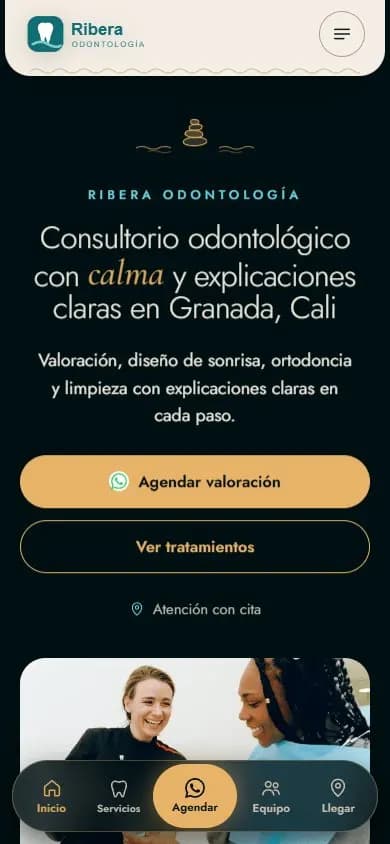 Health practicesWebsite for medical and dental practices
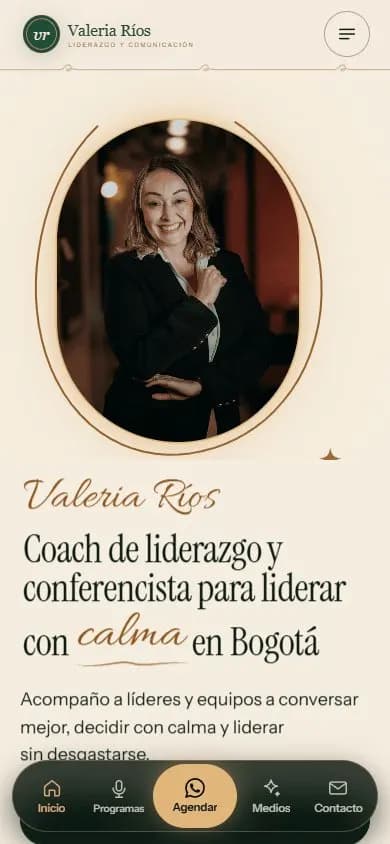 Personal brandA website for your personal brand
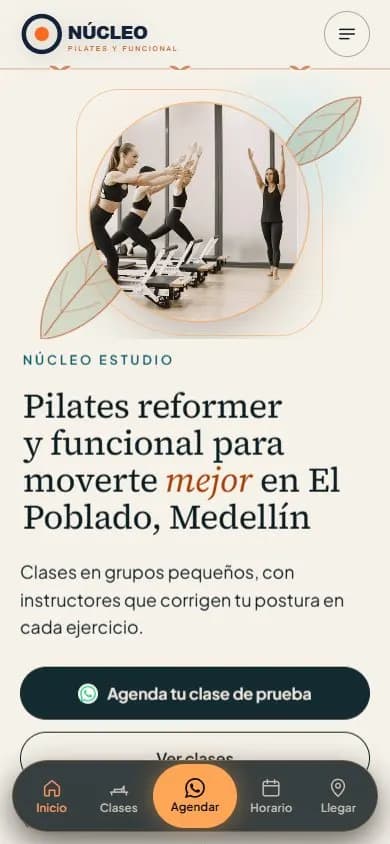 Gyms and studiosWebsite for gyms, pilates and yoga studios
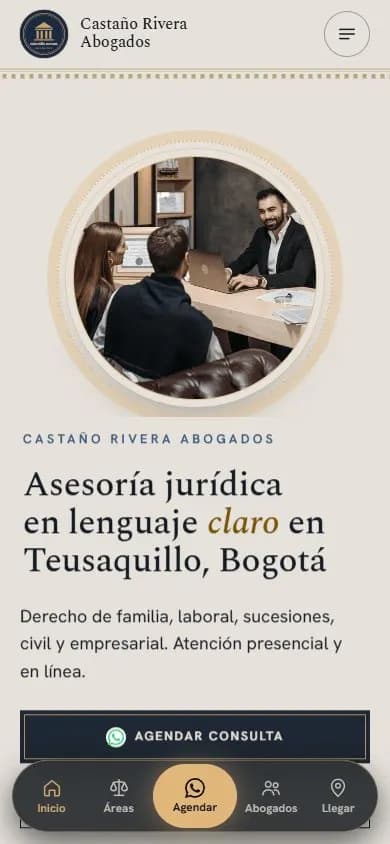 Lawyers and law firmsWebsite for lawyers and law firms
 Coaches and mentorsWebsite for coaches
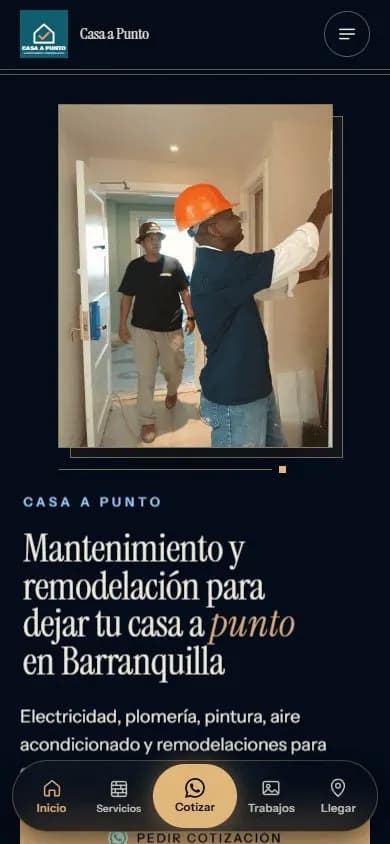 Service businessesWebsite for service businesses
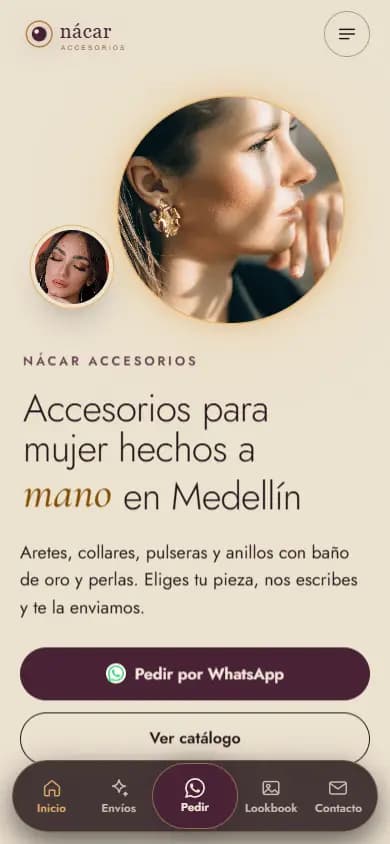 Instagram shopsWebsite for Instagram shops
 Content creatorsWebsite for content creators